

Swiss Franc 99.90
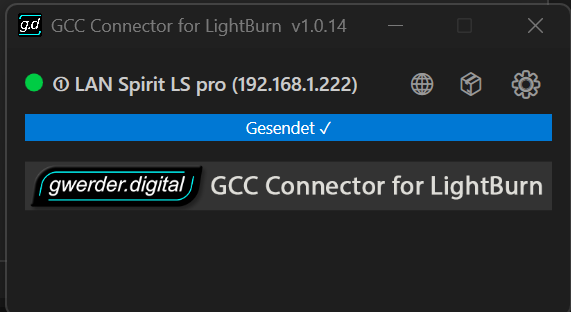
The GCC Connector for LightBurn connects your GCC Laser directly to LightBurn. Automatic detection, easy import of all settings, and ready to use via USB or LAN.
The GCC Connector LightBurn is a powerful plugin for direct control of GCC lasers in LightBurn.
After installation, your laser will be recognized automatically and all existing GCC parameters will be applied directly.
This is how you can start working with LightBurn immediately without any detours.
The plugin seamlessly connects your GCC laser to LightBurn, making setup exceptionally easy:
The GCC Connector was developed to support not only new GCC systems. Older GCC lasers can also continue to be operated with LightBurn, even if older motherboard generations are still installed. This allows you to modernize existing machines without having to replace the laser or the controller.
This plugin will make your workflow significantly easier and more efficient.
With the GCC Connector Plugin, you can use all the features of LightBurn with your GCC laser:
Here's how to get the most out of your existing system.
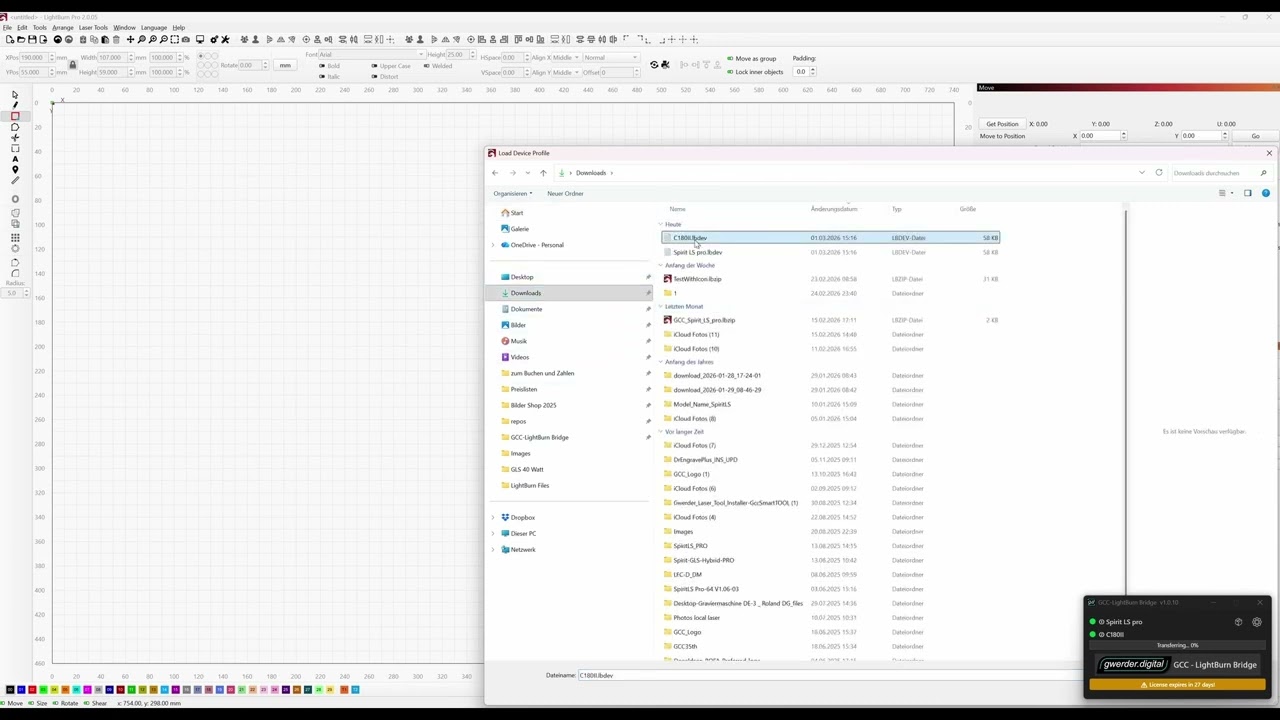
All relevant GCC settings can be automatically detected and imported directly into LightBurn.
This saves time and minimizes setup errors.
If on the computer a CorelDRAW Full Version is installed, existing CorelDRAW files can be opened with the integrated Bulk Converter be converted directly into LightBurn files.
This also makes it easy to process larger quantities of existing CorelDRAW projects for LightBurn without having to manually open and re-export each file individually.
With just one license, you can operate multiple GCC lasers from a single computer.
Ideal for workshops and production environments.
The GCC Connector LightBurn is the ideal solution for all GCC laser users who want to control their laser directly and conveniently with LightBurn.
Note for Mac users:
A macOS version of the GCC Connector for LightBurn is already in development.
Currently, the plugin is available for Windows.
Would you like to be notified as soon as the Mac version is available?
Then you can register here without obligation.
CHF 99.90 per year
Including updates and ongoing improvements.
| Only software | You are only purchasing the software without support |
|---|---|
| Software incl. installation | You buy the software and we set it up together via remote access (approx. 1 hour) |
Video 1
Video 2
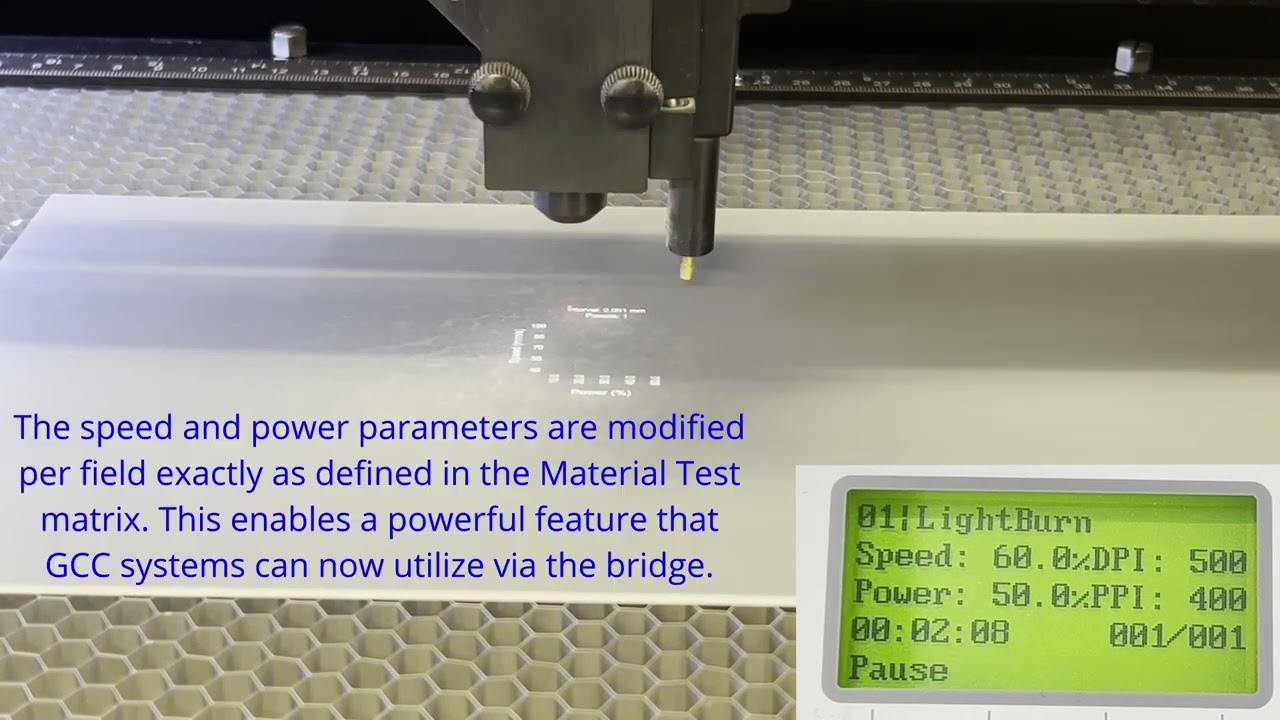
Video 3